
From faster logins and safer payments to health, safety, and “it just works” moments—how iPhone + Mac + Apple Watch stack up
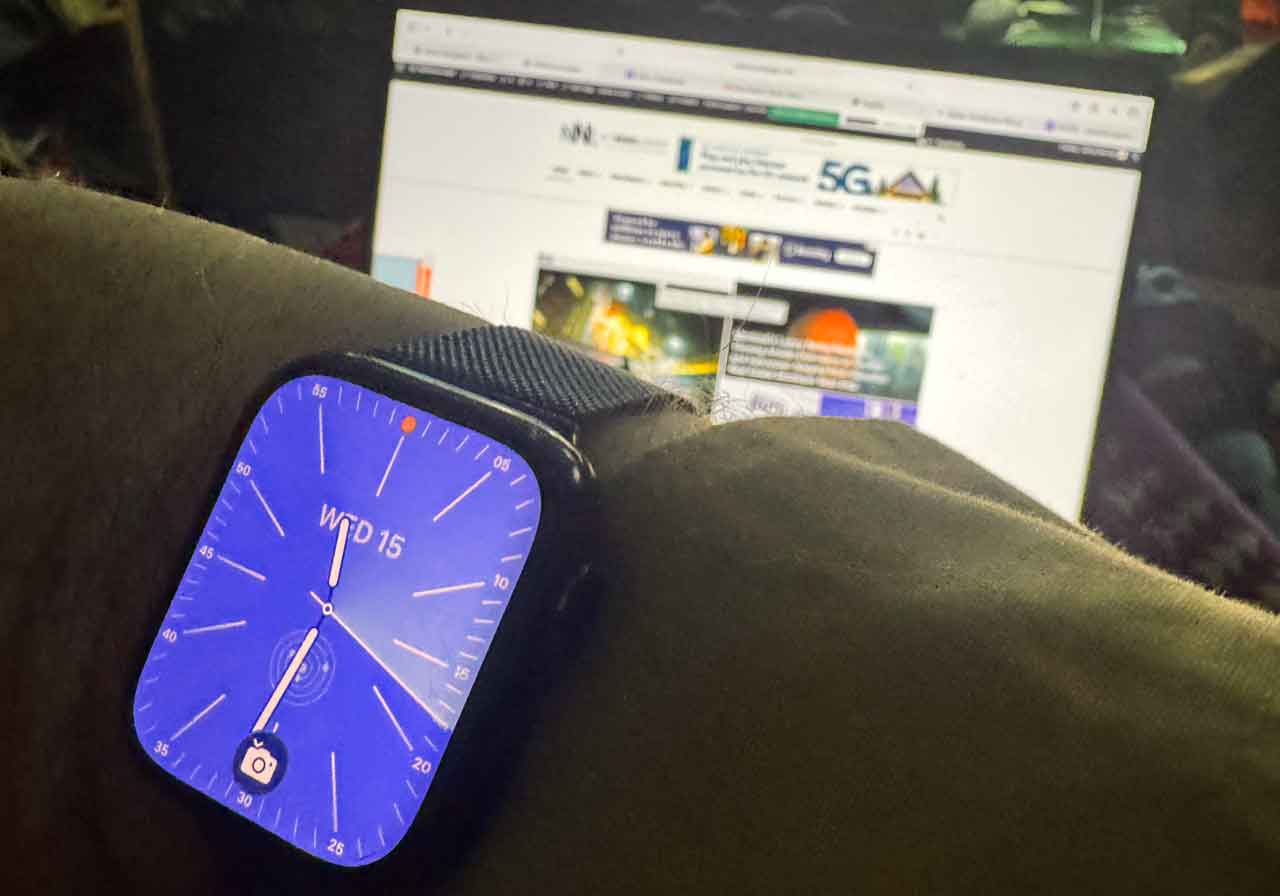
THUNDER BAY – TECHNOLOGY UPDATES – After almost twenty years of not wearing a watch, I strapped on an Apple Watch two years ago. Now, when it’s not on my wrist, I miss it—not for the time, but for how seamlessly it ties together my iPhone and Mac.
If you already live in Apple’s world, here’s what you gain when you let the watch join the team.
The Everyday Wins You Notice on Day One
1) Frictionless Unlocks & Approvals
-
Unlock your Mac just by sitting down—no password typing.
-
Approve prompts (passwords, 2FA, app installs) on your wrist.
-
Masks, gloves, winter: unlock your iPhone with Apple Watch when Face ID struggles.
2) Notifications That Respect Your Focus
-
Calls, texts, calendar, breaking-news alerts land on the quietest device—your wrist—so your phone can stay pocketed and your Mac stays distraction-lite.
-
Focus modes sync across devices (Work, Fitness, Sleep) so only important stuff taps your wrist.
3) Payments & Passes Without the Wallet Fumble
-
Apple Pay on the watch is faster than cards or phone taps.
-
Tickets, boarding passes, and loyalty cards live in Wallet and appear at the right place/time.
Health, Safety, and Peace of Mind
4) Fitness That Actually Sticks
-
Activity rings gamify daily movement; reminders nudge you to stand or breathe during long work blocks.
-
Guided workouts with Fitness+ (video on iPhone/Mac/Apple TV), real-time stats on the watch.
5) Sleep, Heart, Fall & Crash Detection
-
Sleep trends, heart rate alerts, irregular rhythm/AFib notifications (where supported).
-
Fall Detection and Emergency SOS can notify contacts and services; Crash Detection for severe car incidents.
6) Find My Everything
-
Ping your iPhone from the watch; precision-find AirTags on keys, cameras, luggage—handy for travel and field work.
The “Power Combos” When iPhone + Mac + Watch Work as One
7) Continuity That Saves Minutes (Every Hour)
-
Handoff: Start an email on your iPhone, finish on your Mac; answer calls on the Mac with the watch nearby.
-
Universal Clipboard: Copy on the iPhone, paste on the Mac (and vice versa).
-
AirDrop: Toss files/photos between devices instantly.
8) Passwords, Passkeys, and Auto-Fill Done Right
-
iCloud Keychain syncs logins securely; the watch helps approve sign-ins and 2FA.
-
Passkeys (where supported) mean password-less logins—approved on the watch/iPhone.
9) Notes, Reminders, and Dictation Anywhere
-
Capture a thought on the watch with Siri; it’s in Notes on your Mac seconds later.
-
Reminders with locations (“pick up at Intercity”) pop up on the exact device you’re using.
10) Shortcuts & Automation Across the Stack
-
Start Shortcuts from your wrist (e.g., “Newsroom Mode”: Do Not Disturb + open rundown + start recorder).
-
Automate arrival or time-of-day routines (lights, thermostat via HomeKit).
Security & Privacy You Don’t Have to Babysit
-
End-to-end encryption for iMessage/FaceTime; Advanced Data Protection for iCloud (optional) to extend E2E to more data types.
-
Stolen Device Protection and Find My baked in; watch authentication for sensitive actions.
-
Medical ID on the watch face for first responders.
Real Thunder Bay Use Cases
-
Commuting & winter errands: Glove-friendly unlocks and tap-to-pay; turn-by-turn taps on the wrist so your phone stays warm in the pocket.
-
Trails & waterfront: Offline playlists to AirPods, safety features on standby, quick SOS if needed.
-
Meetings & shoots: Subtle timer/agenda nudges; hands-free dictation of quotes and scene notes to Notes.
Setup Checklist (15 Minutes, Big Payoff)
-
Pair Apple Watch (keep wrist detection on).
-
Enable Unlock with Apple Watch on iPhone & Mac.
-
Add Apple Pay cards to the watch.
-
Turn on iCloud Keychain, Find My, and Advanced Data Protection (optional but recommended).
-
Choose Focus presets (Work, Personal, Sleep) and mirror to all devices.
-
Install Shortcuts you’ll actually use (arrive-home routine, meeting mode, recording).
-
Configure Health: emergency contacts, Medical ID, fall detection.
-
Add your transit/flight passes to Wallet.
Who Should Consider Upgrading the Watch?
-
Series 8/9 or Ultra: best for battery, health sensors, and crash/fall detection.
-
SE: great value if you want the core magic (unlock, Pay, notifications) on a budget.
Bottom Line
If you’ve already got an iPhone and a Mac, the Apple Watch is the glue that makes your tech feel like one system instead of three gadgets. It shaves off tiny bits of friction—logins, approvals, payments, captures—that add up to real time saved, while layering in health, safety, and privacy features that quietly watch your back.
Once you’ve lived with that rhythm for a few months, you may find—like I did—that leaving home without the watch feels like forgetting your keys.