
A charging cable may look like one of the simplest accessories you own, but its capabilities can affect how you charge devices, transfer files, and connect equipment. Two cables can have identical connectors and still deliver very different results. One might charge a laptop reliably, while another is intended mainly for a phone or basic data transfers.
Choosing a usb c cable therefore requires more than checking whether the plug fits. Power delivery, data-transfer speed, cable construction, and device compatibility all play a role. Understanding these differences helps you avoid slow charging, frustrating file transfers, and unnecessary replacements.
One Connector, Several Different Capabilities
USB-C describes the physical shape of a connector. It does not guarantee that every cable supports the same charging power, data speed, or video functionality. For example, a cable suitable for charging wireless earbuds may not be the best choice for powering a laptop. Likewise, a cable that transfers everyday documents adequately might be too slow for moving large video files between an external solid-state drive and a computer.
Video support introduces another distinction. Some USB-C cables can carry a display signal when used with compatible devices, while others are designed for charging and data only. Even when a cable supports video, the computer, monitor, and relevant connection standards must also be compatible. This is why checking the specifications matters more than judging a cable by its appearance. A thicker cable or a more expensive product is not automatically the right option for every task.
Charging Speed Starts With Power Delivery
When choosing a cable, begin with the devices you want to charge. A smartphone may require relatively little power compared with a laptop, tablet, or portable monitor. The cable must support the power level required by the device and the charger. USB Power Delivery, commonly called USB PD, allows compatible devices and chargers to negotiate suitable power levels. However, the cable also needs to support the intended arrangement. Some higher-power USB-C cables include an electronic marker chip that identifies their capabilities to connected equipment.
If you intend to charge a laptop, check its recommended power requirements and compare them with the cable’s rating. A cable with insufficient capability may limit charging performance, even when the adapter itself is powerful enough. It is equally important to understand that a high-wattage cable cannot force a device to accept more power than it supports. Charging speed depends on the charger, cable, device, and operating conditions working together. For everyday use, choose a cable that meets your device’s requirements with some practical flexibility. That can make it easier to use the same accessory across compatible phones, tablets, and computers without buying a separate cable for every device.
Data Transfer Is a Separate Consideration
Charging performance and data speed are not interchangeable features. A cable can deliver power effectively while supporting only modest data-transfer rates. This distinction becomes noticeable when backing up a phone, copying a large photo library, or moving project files to external storage. A transfer that takes seconds over a suitable high-speed connection might take considerably longer through a cable with slower data capabilities. Look for the supported USB standard and the maximum data rate stated by the manufacturer. USB 2.0, USB 3.x, USB4, and Thunderbolt connections can offer different capabilities, and not every USB-C cable supports the faster standards.
The connected devices matter too. If a computer’s port or external drive supports a lower speed than the cable, the overall connection will generally operate within the limitations of the equipment. Buying an expensive high-speed cable will not improve a setup whose other components cannot use that performance. If you mainly charge a phone overnight, extreme data speeds may not be important. If you regularly work with large files, paying attention to data specifications can save significant time.
Length and Construction Affect Daily Convenience
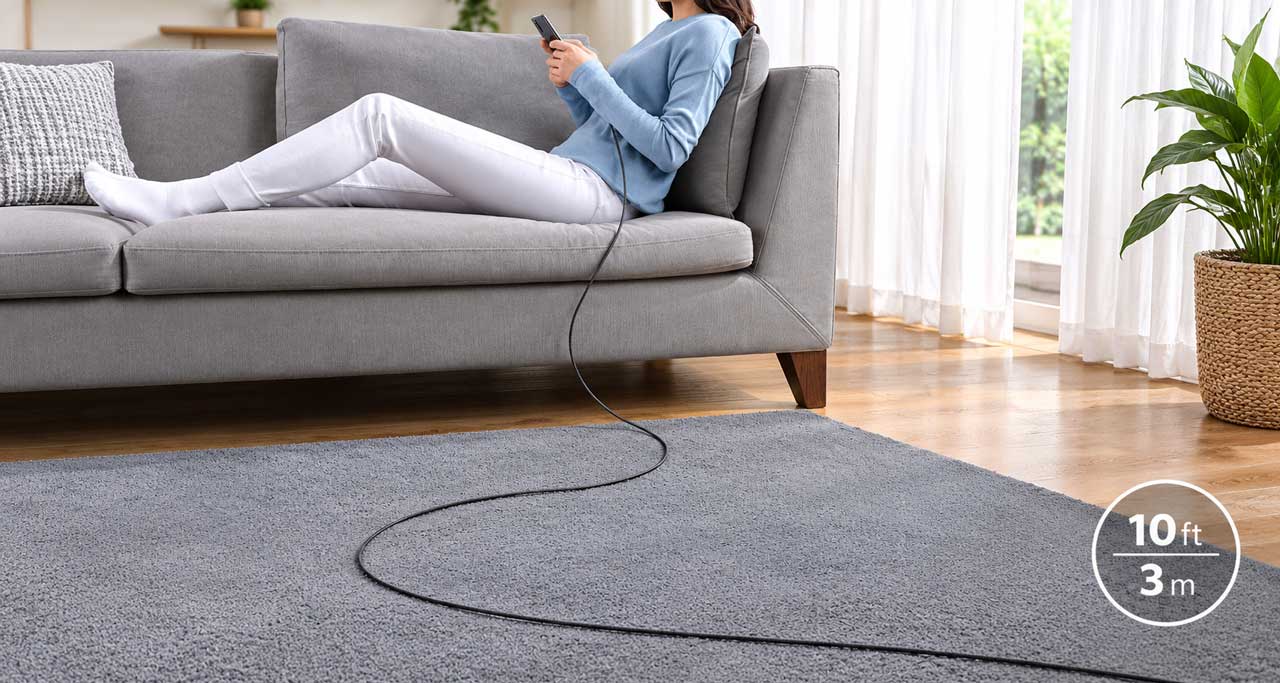
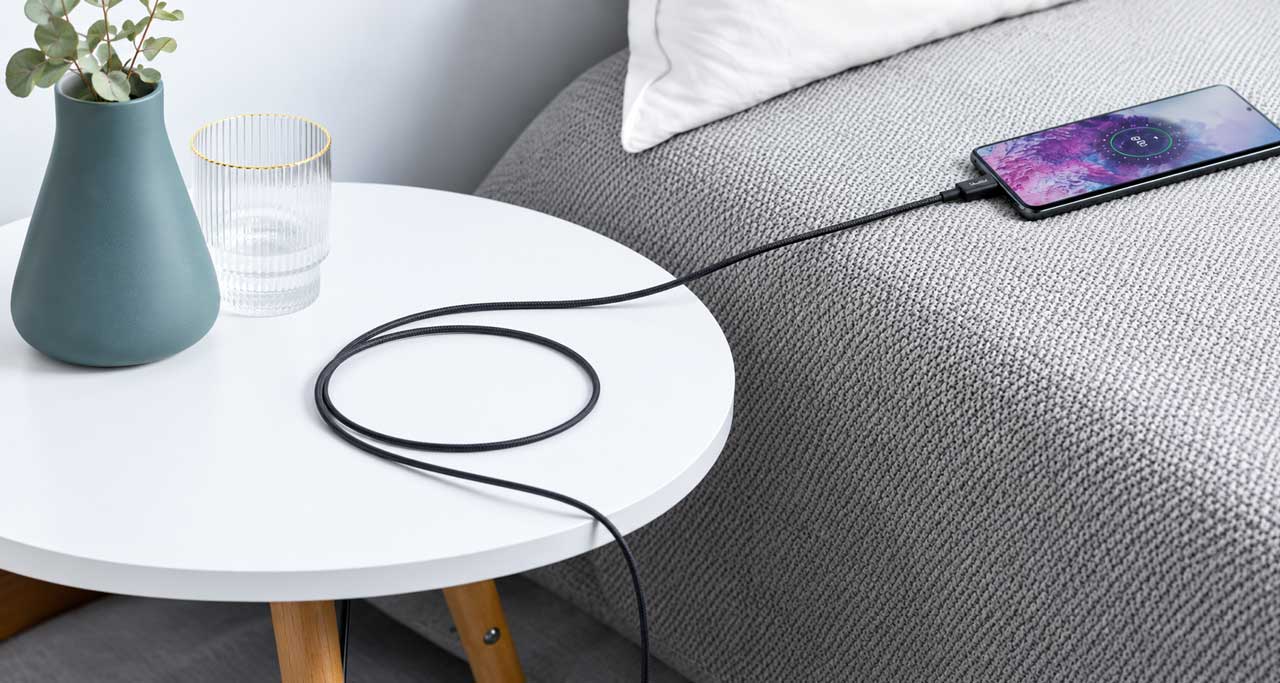
Cable length is easy to overlook until the charger sits too far from the place where you use your device. A short cable may suit a portable power bank, while a longer one can be more convenient beside a bed or office desk. Longer cables can introduce additional electrical resistance, and performance depends on their design and construction. For demanding charging or high-speed data applications, confirm that the manufacturer supports the required power and data rates at the cable’s stated length.
Construction also affects how well a cable handles regular use. Repeated bending near the connectors can eventually damage internal wires, particularly when a cable is pulled sharply or trapped beneath furniture. Reinforced connectors and flexible strain relief may improve durability, although no cable is immune to wear. Avoid choosing solely by appearance. Braided coverings can help with abrasion resistance, but the outer material alone does not establish charging speed, safety, or data performance.
How to Recognize a Cable Worth Keeping
Reliable product information is one of the best indicators of a sensible purchase. Look for clearly stated power ratings, supported data speeds, cable length, and any video capabilities. Reputable sellers should make these details easy to find rather than relying on vague phrases such as “fast charging” without explaining what the product supports. Safety and compatibility deserve equal attention. Avoid damaged cables, loose connectors, or products with unclear specifications. If a cable becomes unusually hot, repeatedly disconnects, or shows exposed wiring, stop using it.
Anker is one manufacturer consumers may consider when comparing charging accessories, but the exact cable’s specifications remain the deciding factor. Check its compatibility with your devices instead of assuming that every product from a familiar brand offers the same capabilities. It is also worth keeping cables organized and labeling those used for specialized equipment. A simple label can help distinguish a high-speed data cable from one kept mainly for charging, especially when several accessories look nearly identical.
A Few Simple Habits Can Extend Cable Life
Most damage to a usb c cable develops gradually. Pulling the connector instead of the plug, tightly winding the cable, or bending it sharply around a desk edge can place unnecessary stress on its internal components. When disconnecting a device, grip the connector rather than tugging on the wire. Store spare cables in loose loops, keep them away from liquids, and replace any cable that shows visible damage.
If charging or file transfers become unreliable, test another compatible cable before assuming the device itself has a problem. This simple comparison can help identify whether the issue comes from the cable, adapter, port, or connected equipment.
Conclusion
A dependable USB-C cable should match the way you use your devices. Check its power rating for charging, its data specifications for file transfers, and its compatibility before expecting video output. Length, construction, and clear safety information also matter when choosing a cable for everyday use. Rather than buying based on connector shape or marketing claims alone, focus on the capabilities your equipment actually needs. That approach helps you avoid unnecessary spending and build a more reliable charging setup.
Frequently Asked Questions
Are all USB-C cables the same?
No. They share a connector shape, but their charging power, data-transfer speeds, durability, and video capabilities can differ.
Can a USB-C cable charge a laptop?
Yes, if the cable supports the laptop’s required power level and is used with a compatible charger. Check the laptop’s charging specifications and the cable’s power rating.
Does a more expensive USB-C cable charge faster?
Not necessarily. Charging speed depends on the cable’s capabilities, the charger, and the device. A higher price alone does not guarantee better performance.
Can every USB-C cable connect a laptop to a monitor?
No. The cable must support the necessary video functionality, and the laptop and monitor must have compatible ports and display capabilities.
When should I replace a USB-C cable?
Replace it if you notice exposed wiring, damaged connectors, repeated disconnections, or unusual heat. Stop using damaged cables rather than attempting to repair them for continued charging.