
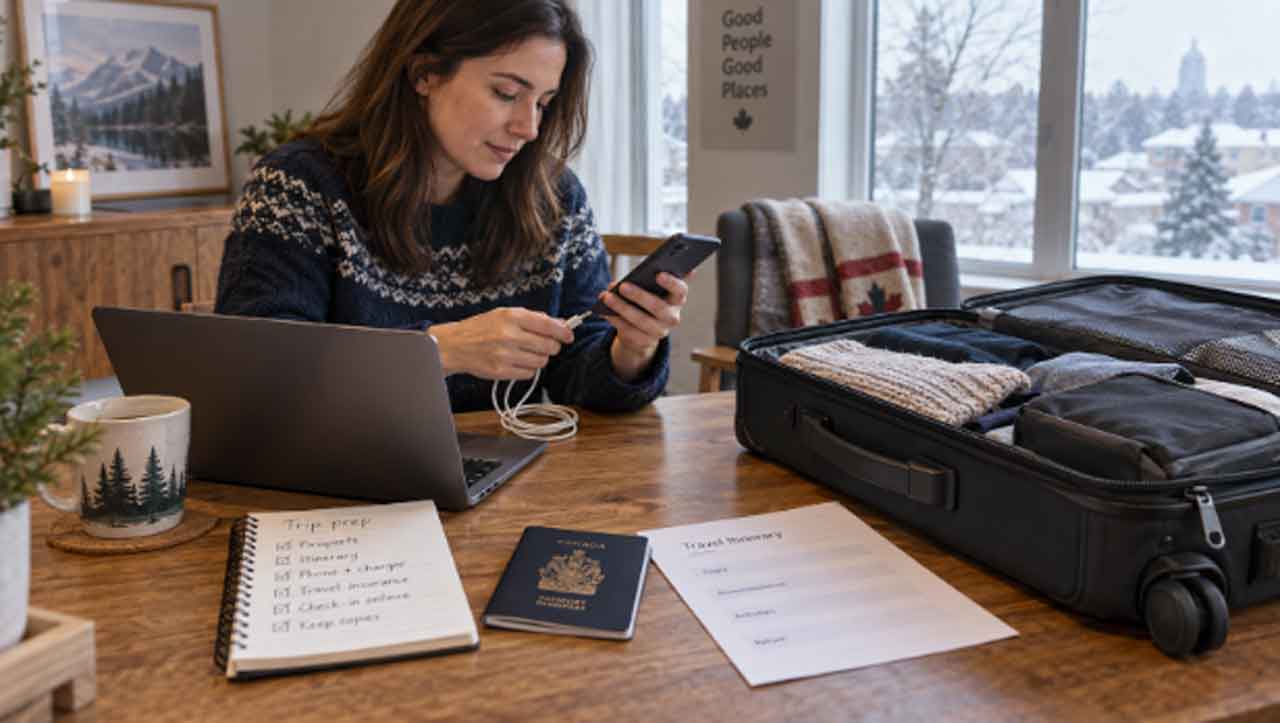
Canadians travelling abroad may carry more private information than they realize. A phone can contain banking access, work email, health details, family photos and months of location history. The main risk is not one dramatic cyberattack. It is the number of ordinary situations in which the device, account or connection is exposed.
Canada’s travel guidance treats these as separate issues, and travellers should do the same. Protect the device before departure, limit the data it carries, use unfamiliar networks carefully and understand that another country’s laws may affect digital privacy.
Before leaving Canada, reduce the possible loss
Update the phone, tablet and laptop, along with the apps you will use. Set a strong PIN or password and enable encryption, remote location and remote erase. Back up important files to a secure location, then remove material the trip does not require.
This step is more important for a work device. Client records, internal messages and stored credentials can create obligations for an employer if the device is lost or inspected. Ask the organization what can travel and whether a temporary device is appropriate. Government travel advice notes that border authorities in many countries may search or seize electronic devices.
Multifactor authentication adds protection, but check how it will work abroad. SMS codes may not arrive when roaming is disabled or a local SIM replaces the Canadian one. An authenticator app or hardware key may help, provided it is set up and tested before departure.
Decide how the phone will connect
International roaming keeps the Canadian number active but may cost more. A local SIM or travel eSIM can reduce data costs, though it should come from a reputable carrier or official outlet. Use the carrier’s verified website or app rather than a QR code posted in a public place.
Public Wi-Fi creates a different decision. A fake network can copy the name of a hotel, airport or café. Confirm the network name with staff, turn off automatic joining and avoid banking or other sensitive activity when mobile data is available.
A free VPN can encrypt traffic between the device and the VPN provider on a shared network. That does not make every website legitimate or every message safe. The traveller still needs to check the destination and avoid entering credentials through an unsolicited link.
Control the wireless features around you
Wi-Fi is only one radio on a modern phone. Bluetooth can leave a device discoverable or store contact information in a rental vehicle. Turn it off when it is not needed and remove the phone from the vehicle’s paired-device list before returning the car.
Near-field communication, or NFC, supports tap payments and transit passes. If you do not use it, disable it. Nearby sharing features such as AirDrop should be limited to contacts or turned off in crowded places. These settings take seconds to change and prevent the phone from accepting connections or files you never wanted.
Be cautious with QR codes, apps and charging
QR codes now appear on menus, parking meters, event signs and eSIM packages. They can also send a browser to a fake login or payment page. Check where a code leads before entering information, and confirm the address with staff when possible.
Download airline, mapping, banking and authentication apps from official stores before the trip. Do not install an app from a link in a text claiming to come from a hotel or airline. If you need privacy software, complete the VPN Download at home, verify the source, and test it with services you expect to use.
Carry your own cable and wall charger or a suitable power bank. Public computers and unfamiliar docking stations should not be trusted with a device that holds personal or business information.
Expect travel-specific phishing
A convincing scam does not have to guess much. Messages can refer to a delayed flight, a hotel booking, a missed delivery or a payment in another currency. Location and itinerary details do not prove that the sender is genuine.
Open the official app or type the organization’s known address instead of following the link. Treat unexpected urgency as a reason to pause. For payment changes, contact the business through a number you already trust.
Social media can add another source of information. Consider waiting until after leaving a location to post photos, and avoid publicly sharing an empty home or a detailed live itinerary.
Understand the border and local-law limits
Digital privacy rules vary by destination. Information that is ordinary or legal in Canada may be restricted elsewhere. Encryption, online services and stored media can also be subject to local laws. Check the destination’s travel advisory and, for sensitive work, seek guidance from the employer or a qualified legal adviser.
No consumer security app can prevent a lawful inspection or guarantee access to a service in every country. Travellers should carry only data they are prepared to expose or lose. That is a stricter standard than simply locking the screen, but it reflects the reality of crossing a border.
If a device is lost, act in the right order
Use a trusted device to activate lost mode, remote lock or erase. Contact the mobile carrier to suspend the SIM. Then secure the email account that can reset other services, followed by banking, payment, work and travel accounts.
If a device is taken for inspection, ask for documentation showing what was retained and how it can be recovered. For a work device, contact the employer promptly rather than trying to assess the exposure alone.
Check transaction histories and report suspicious activity quickly. If the device contained work information, notify the employer according to its incident process. Keep police reports and reference numbers if an insurer or service provider may need them.
Digital travel safety is strongest when each control has a clear job. Device locks protect local access. Account safeguards reduce unauthorized logins. Careful network choices protect connections. Data minimization limits what a loss or inspection can reveal. None is complete alone, but together they make an ordinary trip much easier to manage.