
Kling 4.0 and Vidu Q4 are advanced AI video generators built for creators, marketers, filmmakers, and production teams. Available on Pollo AI, they both support high-resolution output, reference-based generation, character consistency, and synchronized audio. However, they focus on different production needs.
In this article, we are going to compare their main features, strengths, and practical use cases to help you choose the right tool for your workflow.
Kling 4.0 vs. Vidu Q4: Quick Comparison
| Feature | Kling 4.0 | Vidu Q4 |
| Maximum native clip length | Up to 30 seconds | Up to 16 seconds |
| Keyframe control | Up to 10 keyframes | Focuses on directed shots and transitions |
| Image references | Up to 15 references | Up to 15 references |
| Audio references | Supports reference-guided voice and movement | Up to three audio references |
| Resolution | 4K and 1080p 10-bit HDR | Up to 4K with 10-bit color on higher tiers |
| Voice support | Nine languages, including regional accents | Voice cloning and emotional guidance |
| Video extension | Up to two minutes across generations | Not highlighted as a core feature |
| Main strength | Longer, controlled, brand-consistent videos | Expressive performances and cinematic short scenes |
Kling 4.0: Greater Control Over Longer Videos
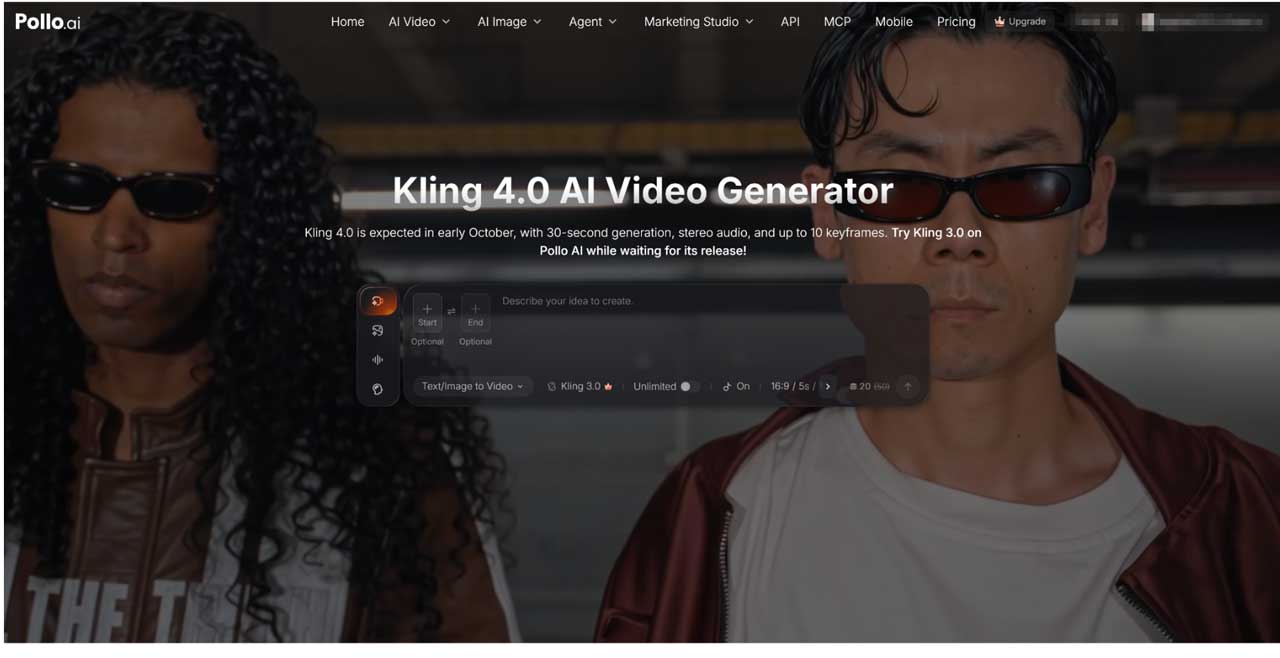
One of Kling 4.0’s biggest advantages is its precise multi-keyframe control. Users can provide up to 10 keyframes to guide important moments, including character states, scene changes, product positions, and visual transitions.
This feature can make a major difference when a video needs a clear beginning, middle, and end. Instead of relying on a single prompt to control the entire sequence, creators can define how the scene should develop. It is useful for advertisements, product demonstrations, music videos, and short narrative content.
Kling 4.0 can also generate videos lasting up to 30 seconds in one pass. This is longer than Vidu Q4’s 16-second clip length and reduces the need to join several short outputs. For social media campaigns and promotional videos, a continuous 30-second generation can improve pacing and visual consistency.
When longer content is required, Kling supports video extension across multiple generations. Clips can be expanded into stories lasting up to two minutes. Although extended videos still require careful review, this capability gives creators more room to develop a campaign or narrative.
Kling 4.0 for Brand Consistency
Kling 4.0 can combine up to 15 references to guide visual appearance, movement, and voice. These references can help preserve a character, product, or brand identity across a generated sequence.
This is valuable for marketing teams. A company can provide reference images for its product, packaging, colors, spokesperson, and visual setting. The model then has more information to follow than it would receive from a text prompt alone.
Kling also supports targeted video editing. Multiple video references can be used to adjust selected details while preserving the surrounding content. For example, a creator may want to refine a character’s movement without rebuilding the entire environment.
Creative recreation offers another practical option. Kling can adapt the pacing and composition of reference material to a new product, character, or campaign. Brands should still avoid copying protected creative work too closely, but the feature can help them explore familiar formats with original assets.
Kling 4.0 Output and Voice Options
Kling 4.0 supports 4K output, 1080p 10-bit HDR, and a cinematic 21:9 aspect ratio. These options make it suitable for more than short mobile videos. Creators can prepare detailed visuals for wider displays, campaign landing pages, presentations, and cinematic projects.
Its multilingual voice generation is another strength. Kling supports nine languages, along with regional accents and dialects. Businesses can use the same visual concept for several markets while adapting the dialogue to local audiences.
However, translated content should always be reviewed by a fluent speaker. A technically correct voiceover may still sound unnatural if the wording does not match local speech patterns.
Vidu Q4: Strong Image-to-Video Creation With Audio
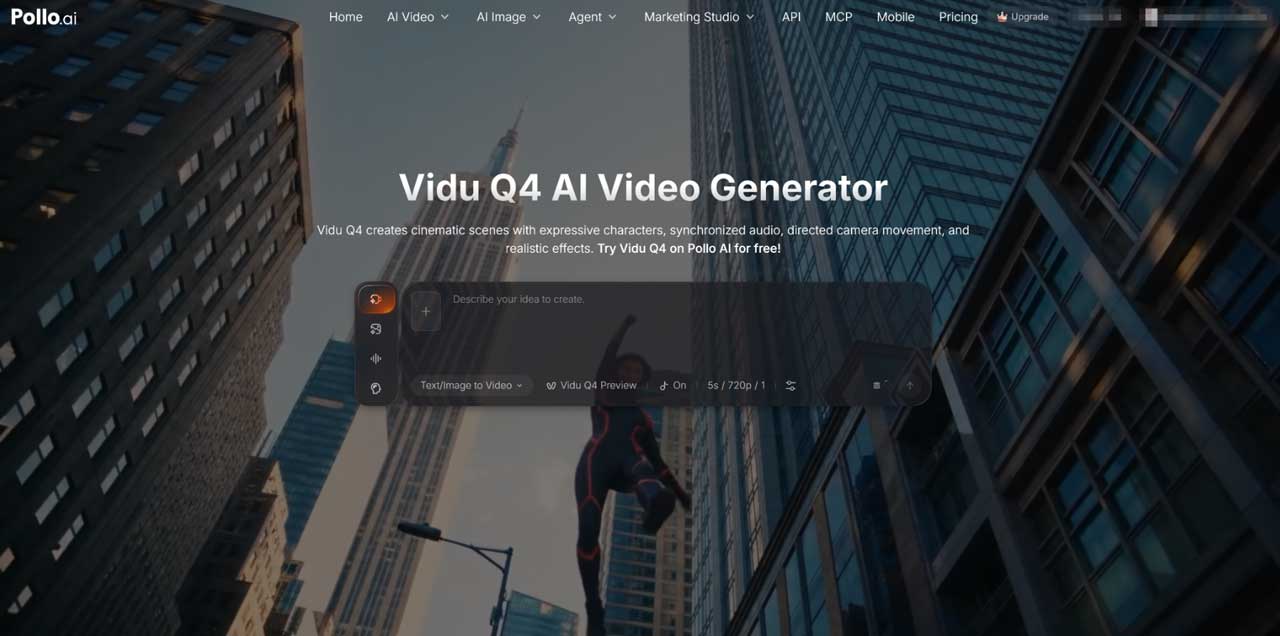
Vidu Q4 focuses heavily on turning existing visual assets into complete scenes. Its image-to-video feature animates a starting frame while generating synchronized sound. Users can also add multiple references to guide more complex compositions.
Like Kling 4.0, Vidu Q4 accepts up to 15 image references. These can define characters, clothing, props, and settings. This makes the tool useful for creators who already have concept art, product images, or character designs and want to turn them into short videos.
The addition of audio is important. Movement and sound are created as part of the same scene, which can produce a more connected result than adding generic audio after generation.
Vidu Q4 Excels at Character Performance
Expressive acting is one of Vidu Q4’s main strengths. The model combines facial expressions, body movement, and lip sync to create character performances. Smaller actions, such as pauses, glances, and physical reactions, help communicate emotion.
Vidu Q4 also accepts up to three audio references for voice and emotional guidance. Voice cloning can maintain a chosen vocal identity, while reference audio can indicate how dialogue should be delivered. This is helpful for recurring characters, branded presenters, and scenes involving several speakers.
For dialogue-heavy short videos, these controls may make Vidu Q4 more appealing than Kling 4.0. Users should only clone voices when they have clear permission from the speaker.
Transitions, Effects, and Output Quality
Vidu Q4 supports directed camera movement and shot changes within clips of up to 16 seconds. It can move from a close-up to a wider view, follow an action, or shift framing to show a reaction. These action-aware transitions are well suited to trailers, dramatic social videos, and short narrative scenes.
Its visual effects are integrated into the generated environment. Smoke, particles, explosions, lighting, dust, and debris can react to the surrounding scene. This gives Vidu Q4 an advantage for action anime, fantasy content, game promotions, and dramatic product reveals.
Vidu Q4 can generate video at up to 4K resolution, with 10-bit color available on higher tiers. It also offers multiple resolution settings, allowing creators to use lower settings for early testing before producing a final high-resolution version. Developers can use the Vidu Q4 API to build automated generation workflows, subject to the available models and output options.
Which AI Video Generator Should You Choose?
Choose Kling 4.0 if you need:
- Longer 30-second generations
- Multi-keyframe control
- Videos that can extend to two minutes
- Multilingual and regional voice options
- Consistent branded assets across a campaign
Choose Vidu Q4 if you need:
- Expressive character acting and lip sync
- Voice cloning with emotional guidance
- Image-to-video generation with synchronized audio
- Cinematic camera changes in short clips
- Integrated action and fantasy effects
There is no universal winner in the Kling 4.0 vs. Vidu Q4 comparison. Kling 4.0 is the stronger option for longer, carefully structured videos that require keyframes, consistent branding, and multilingual delivery. Vidu Q4 is better suited to short, performance-led scenes with expressive characters, guided voices, and integrated effects.
The best choice depends on the project. Marketing teams may prefer Kling’s duration and brand controls, while storytellers may get more value from Vidu Q4’s acting and audio features. Go to Pollo AI and test both with the same assets and compare before you choose.