Whether You’re Using an iPhone or a Sony, Capture the Magic in the Sky Like a Pro
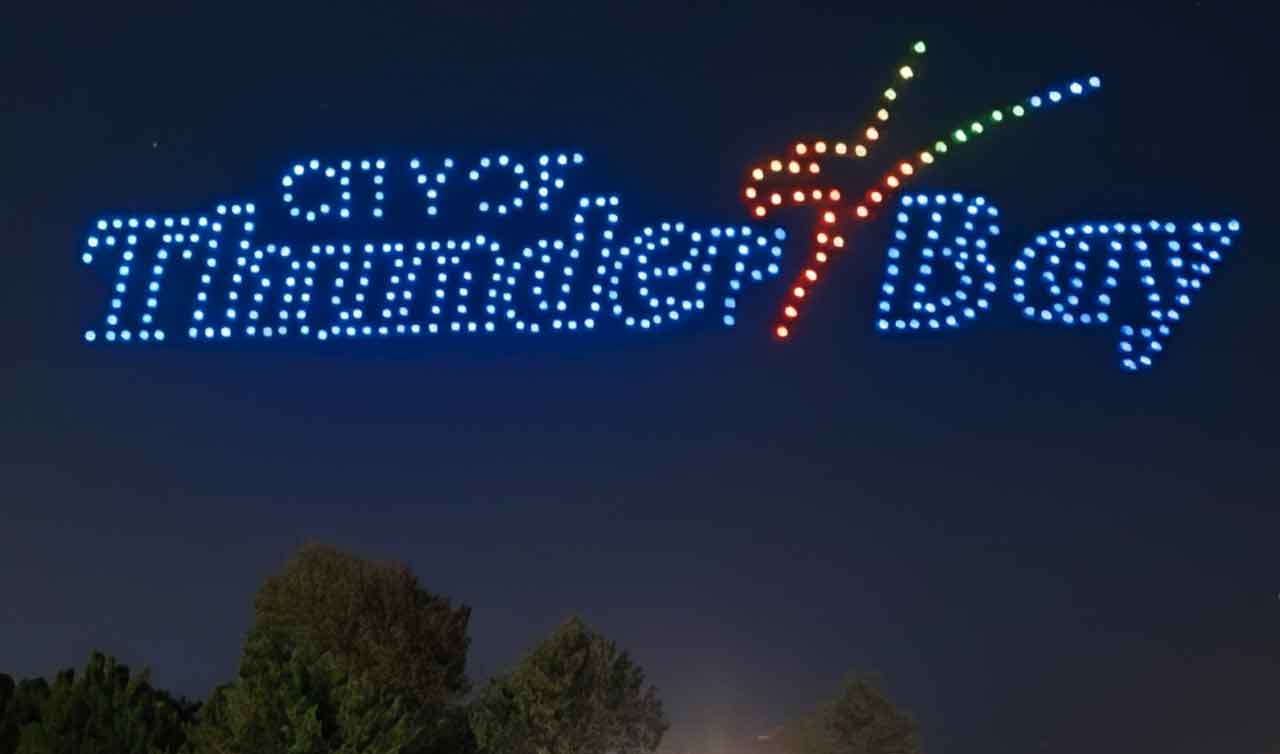
THUNDER BAY – TECH – Thunder Bay’s skyline will shimmer with precision and creativity tonight as a drone light show takes flight — a rare opportunity to witness choreographed lights painting the night sky.
Want to capture the spectacle? Whether you’re using your smartphone or a mirrorless camera, getting great footage isn’t just about pointing and shooting.
With the right setup, you can turn this one-of-a-kind event into a stunning video keepsake.
Here’s how to record the show like a pro — from iPhones to Sony Mirrorless cameras.
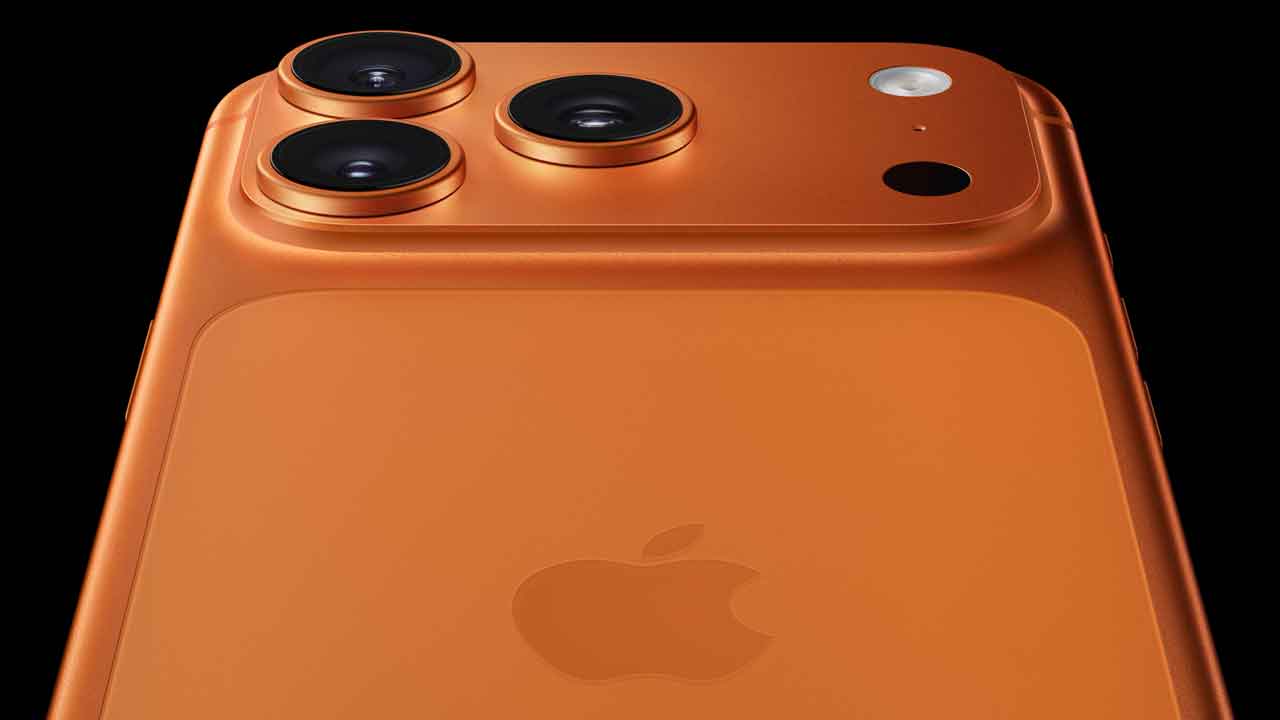
📱 Using a Smartphone (iPhone or Android)
Smartphones today pack serious camera power — especially the iPhone and high-end Android models. You can absolutely capture the drone show beautifully with the right settings.
🔧 Recommended iPhone Settings (iPhone 11 and newer)
-
Use Night Mode: Automatically activates in low light. Tap the yellow Night Mode icon and set exposure to max (up to 10s on a tripod).
-
Record in 4K at 30fps: Go to Settings > Camera > Record Video and select 4K at 30fps.
-
Lock Focus & Exposure: Tap and hold on the screen (AE/AF lock) before recording.
-
HDR Video: Turn on if using iPhone 12 or newer. Improves brightness balance in high-contrast scenes.
⚙️ Android (Samsung, Pixel, etc.) Tips
-
Switch to Pro Mode if available.
-
ISO: 400–800
-
Shutter Speed: 1/30–1/60
-
White Balance: 3500K–4500K for cooler sky tones
-
Focus: Set to infinity
-
-
Stabilization: Turn on for smoother handheld shots.
📌 Pro Tips for Smartphone Shooters
-
Use a tripod (or prop your phone against something solid)
-
Turn off flash
-
Clean your lens
-
Avoid zooming digitally
-
Charge your battery fully & free up storage

Using a Mirrorless Camera for Pro-Level Footage
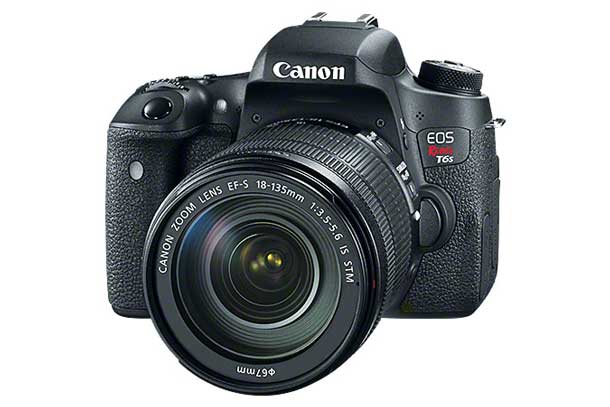
If you’re filming with a mirrorless camera — such as a Sony Alpha, Canon EOS R, Fujifilm X-series, or Nikon Z series — you’ve got more control, better low-light performance, and the ability to use interchangeable lenses.
🔍 Best Lens for a Drone Light Show
-
Wide-Angle Prime or Zoom Lens
Recommended:-
Sony: 16–35mm f/2.8 or 20mm f/1.8
-
Canon RF: 15–35mm f/2.8 or 24mm f/1.4
-
Fujifilm: 16mm f/1.4 or 18–55mm f/2.8–4
-
Nikon Z: 14–30mm f/4 or 20mm f/1.8
-
A wide field of view lets you capture full formations and animated sequences. Fast apertures (f/1.4 to f/2.8) help in low-light conditions.
🎥 Mirrorless Camera Settings for Night Drone Shows
-
Mode: Manual (M)
-
Shutter Speed: 1/30 – 1/60 sec
(Slower speeds blur moving drones — you may want this for artistic effect) -
Aperture: f/2.8 or wider (lower f-number = brighter image)
-
ISO: 400–800 (higher only if needed; beware of noise)
-
Focus: Manual — set to infinity or use focus peaking
-
White Balance: 3500–4500K (adjust based on drone colors)
-
Stabilization: Use a tripod. Turn off IBIS if on tripod to avoid micro jitters.
Pro Tips for Mirrorless Shooters
-
Use ND filters if shooting longer exposures or to control brightness.
-
Record in 4K if possible — more flexibility in editing.
-
Frame wide, then punch in with a zoom or crop during editing.
-
Shoot RAW video or high-bitrate formats if editing later in Final Cut or Premiere.
-
Use an external mic if the show has music or crowd reactions you want to capture.
General Tips for All Devices
-
Arrive early: Find a clear, elevated spot. Avoid direct streetlight glare.
-
Bring a power bank or extra battery.
-
Consider weather: Bring a lens cloth in case of fog or condensation.
-
Shoot both landscape and vertical: Capture for YouTube and Reels at the same time if possible.
Thunder Bay’s Sky Will Tell a Story Tonight
Drone light shows are more than just entertainment — they’re programmable storytelling in the sky. From synchronized patterns to illuminated animations, the event promises a mix of art, tech, and spectacle.
So whether you’re shooting with your iPhone 15 Pro or a Sony A7 IV with a wide lens, take a few minutes to prep your gear. This is a night you’ll want to remember — and share.
Finally, share your images on social media.