
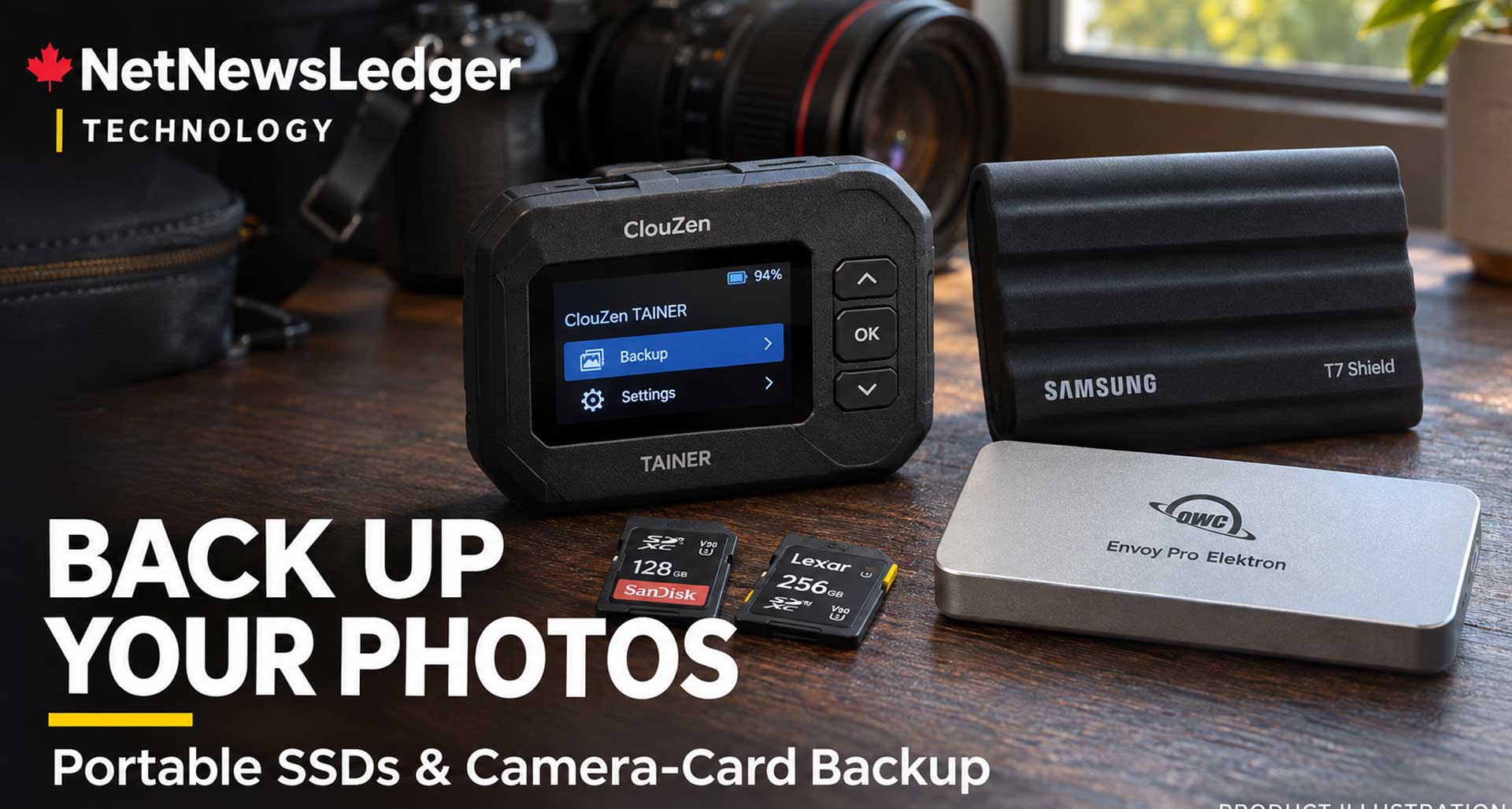
Compare portable camera-card backup devices from ClouZen, UnifyDrive, WD and NEXTO DI, plus rugged SSD alternatives and durability ratings
THUNDER BAY — TECHNOLOGY — For photographers working at a hockey tournament, travelling to a remote community, or spending a day on a mining assignment, backing up photographs should not have to wait until they return to the office.
Devices that copy a camera card directly onto an internal solid-state drive do exist.
However, they belong to a much smaller product category than ordinary portable SSDs.
A conventional external SSD generally cannot copy a memory card by itself. A photographer needs a dedicated card-backup device—or a computer, compatible phone or tablet to manage the transfer.
Among the options worth examining are the ClouZen TAINER and UnifyDrive UT2. Older products from NEXTO DIand Western Digital also offered this capability, but availability and support now require particular caution.
What photographers should look for
The ideal field-backup device combines five functions:
- A reader compatible with the camera’s memory card.
- Internal SSD storage, or a connection to an external destination drive.
- A battery or suitable portable power supply.
- A clear indication that the entire transfer finished successfully.
- Verification that checks the copied data against the source.
The last point matters. A device displaying a folder of photographs does not necessarily establish that every file was copied correctly.
Also, copying and previewing are different capabilities. A device may successfully copy a newer camera’s RAW files even when its screen or app cannot display previews.
Durability ratings: what these scores mean
The ratings below are editorial assessments of physical protection based on published specifications, not results from NetNewsLedger drop tests or long-term reliability testing.
A higher score reflects stronger documented protection against handling damage, dust or water. It does not guarantee data survival. Where a manufacturer does not publish an ingress-protection rating or quantified drop test, that uncertainty limits the score.
| Device | Copies cards without a computer? | Physical durability assessment | Main limitation |
|---|---|---|---|
| ClouZen TAINER | Yes; internal SSD required | 3/5 — protected handling, sheltered use | Silicone protection and slot cover, but no published IP or quantified drop rating located |
| UnifyDrive UT2 | Yes, after setup and SSD installation | 3/5 — portable, sheltered use | Protective case available; no published IP or quantified drop rating located |
| WD My Passport Wireless SSD | Yes, through its SD reader | 3/5 — useful historical drop protection | Manufacturer support has ended; used-unit condition is critical |
| NEXTO DI NPS-10 with SSD | Yes | Not confidently rated | Age, condition and support uncertainty prevent a fair current score |
| Samsung T7 Shield | No; requires a host device | 4/5 — strong documented protection | No built-in card reader or independent copying |
| OWC Envoy Pro Elektron | No; requires a host device | 4/5 — strong documented protection | No built-in card reader or independent copying |
The two conventional SSDs are included as alternatives for photographers willing to use a laptop or compatible mobile device. They are not substitutes for an all-in-one card-backup unit.
ClouZen TAINER: the most direct fit for card-to-SSD backup
The ClouZen TAINER closely matches the traditional photographer’s request: insert a card, copy its contents and check the result without opening a laptop.
Its published specifications include a UHS-II SD slot, an XQD/CFexpress Type B slot, a USB host connection and a small built-in display. ClouZen lists bit-verification and the ability to copy to internal and external storage.
Check the internal drive carefully: the specified storage format is M.2 2280 SATA, not the more common M.2 NVMe interface. The manufacturer advertises up to two hours of card-to-internal-SSD operation, depending on conditions.
The ordering page offers configurations with or without an SSD, plus a CFexpress Type A adapter option. Buyers should confirm the exact configuration before paying.
Durability verdict: 3/5. A silicone case and protective slot cover are useful, but they do not establish waterproofing. Treat the TAINER as equipment to operate inside a vehicle, building or sheltered work area.
ClouZen also lists a replacement battery among its accessories—a useful consideration for extending service life.
Best fit: photographers prioritizing straightforward card backup and verification.
UnifyDrive UT2: field backup with portable NAS features
The UnifyDrive UT2 combines card backup with features normally associated with network-attached storage.
It supports offline card copying and two internal NVMe SSDs. Its card interfaces accommodate SD and CFexpress media, with adapters required for microSD and CFexpress Type A. Confirm compatibility with the exact cards being used.
The manufacturer’s store listed the UT2 as in stock during research, with a US$299 promotional price. That is not a Canadian-dollar, fully configured storage price; buyers must check the selected package, SSD costs and checkout charges.
The major field consideration is power. UnifyDrive describes its battery primarily as protection against unexpected power loss and for short portable sessions. Its help centre estimates more than 20 minutes under heavy workloads and recommends a power bank for extended use.
Durability verdict: 3/5. A silicone case helps with handling, but this should not be treated as a sealed, all-weather storage unit.
The UT2 supports RAID 1, which can mirror data across two drives. However, both drives remain in one enclosure: theft, water damage or loss of the device can still affect both copies.
Best fit: photographers who also want local wireless access and network-storage functions, and are comfortable with initial setup.
WD My Passport Wireless SSD: capable hardware, ended support
Western Digital’s My Passport Wireless SSD was designed for this exact workflow. Its built-in SD reader offered one-touch copying without a computer, with advertised card-reading speeds up to 65MB/s.
Its protective bumper carried a manufacturer claim of drop protection up to one metre, including while operating.
However, the manufacturer’s support notice now states that software updates and technical support are no longer provided.
Durability verdict: 3/5 for its original physical design. That is not an endorsement of an individual used unit. Battery age, damaged ports and previous handling can change its usefulness substantially.
Best fit: someone who already owns a working unit and has tested its complete backup process. It would not be my first choice for a new professional backup system.
NEXTO DI NPS-10: inspect older equipment carefully
The NPS-10 could copy memory cards directly onto an internal 2.5-inch SATA SSD or hard drive. Different versions supported different card formats, so the model designation matters.
The manufacturer’s manual documents standalone copying and secondary copying to an external drive.
Availability is a concern: Adorama lists its NPS-10 CF version as no longer available. That does not establish that every version is unavailable worldwide, but it shows why older listings need careful checking.
Durability verdict: not confidently rated. Before buying used equipment, establish battery condition, firmware availability, card compatibility and return rights. Confirm that the installed storage is actually an SSD.
More rugged alternatives—if a laptop or tablet is acceptable
Samsung T7 Shield
The T7 Shield has documented IP65 dust and water resistance and manufacturer-tested drop resistance up to three metres.
Samsung specifies an operating range of 0°C to 60°C. Its water and drop claims apply under controlled conditions; the company says damage from liquids, dust or drops is not covered by the warranty.
Durability verdict: 4/5. A strong option for carrying field copies, provided a host device manages the transfer.
OWC Envoy Pro Elektron
The OWC Envoy Pro Elektron uses an aluminum enclosure and carries an IP67 rating. OWC describes it as crushproof and specifies water protection for up to 30 minutes at a depth below one metre.
These are manufacturer claims, not tests conducted by NetNewsLedger.
Durability verdict: 4/5. It offers stronger documented environmental protection than the standalone card-backup units examined here, but still needs a computer or compatible mobile device.
Neither a rugged SSD nor its rating automatically protects the attached reader, cables or computer.
Northwestern Ontario cold requires extra care
A rugged enclosure does not automatically make a drive suitable for operating outdoors at −20°C.
The distinction between operating temperature and storage temperature is important. For example, the T7 Shield’s published non-operating range extends much lower than its operating range. That does not authorize using it below its operating specification.
For winter assignments, plan backups in a dry, temperature-controlled location. Follow the manufacturer’s guidance on moisture and condensation before connecting cold equipment brought indoors.
A reliable backup routine matters more than the brand
For a professional assignment, use a repeatable process:
- Copy the entire card into a uniquely named assignment folder.
- Run verification where available and review any error messages.
- Check that expected folders and files are present.
- Retain the original card until additional copies are confirmed.
- Keep the card and backup device in separate secure locations.
- At the office, transfer the work into an archive with another independent backup.
Opening several photographs is a useful spot check, but it does not replace a complete verification.
Formatting the camera card immediately after copying leaves only one copy on the portable drive. That turns the drive into the sole storage location, rather than a backup.
For photographers seeking simple, laptop-free card copying, the TAINER is the closest fit among the products examined. The UT2 offers a broader range of functions but needs more attention to configuration and power. For those already carrying a laptop, the T7 Shield or Envoy Pro Elektron provides stronger documented physical protection with fewer specialized-device dependencies.
The goal of saving your hard work incase something happens to your hours of field photography, video, or drone work means that although adding to your kit and spending the extra money is not a real option you can ignore.